Written by Atharva Jagtap
Sunday, June 28, 2026
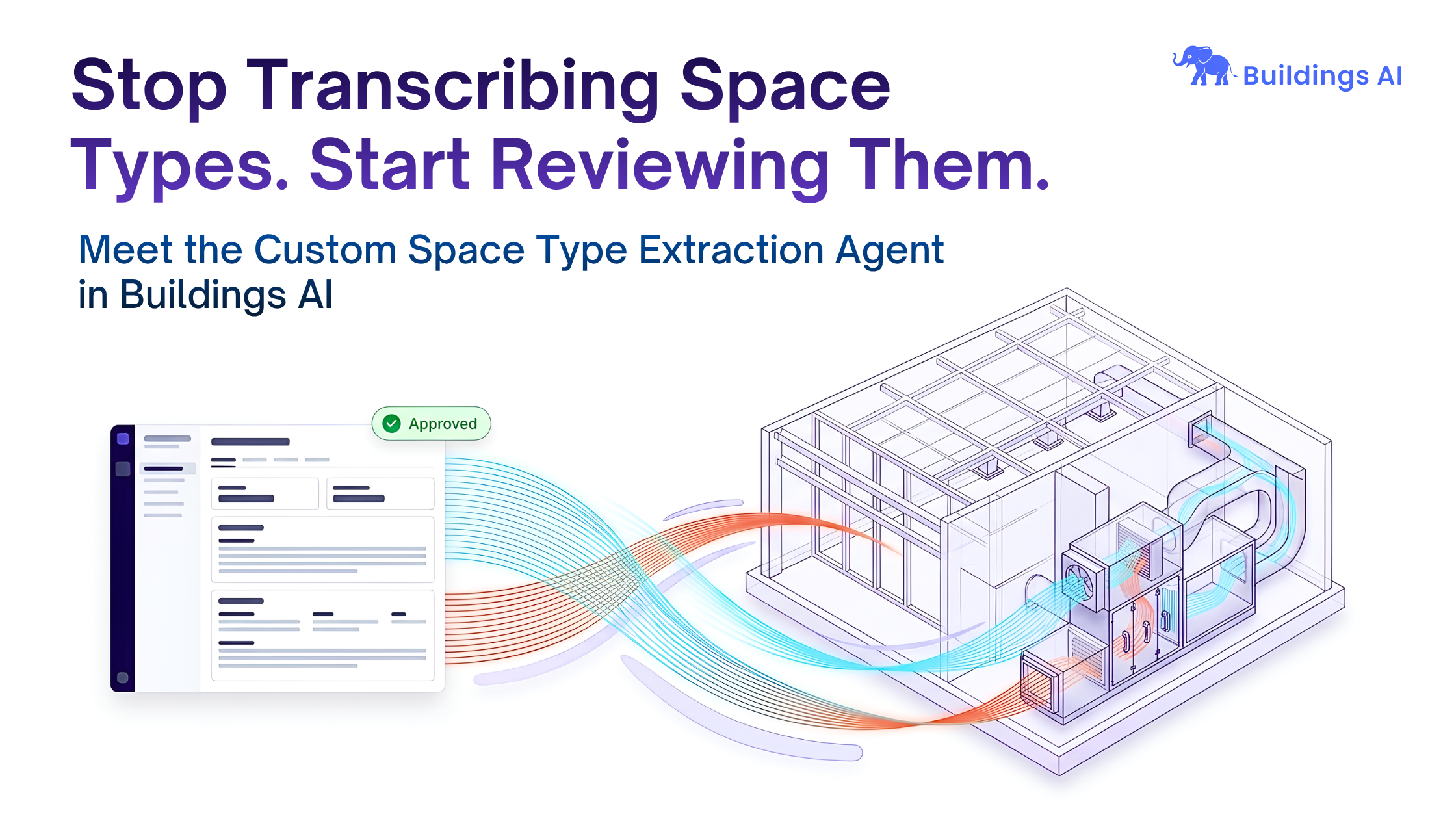
Stop Transcribing Space Types. Start Reviewing Them.
By
Atharva Jagtap

The grind we all recognize
Every modelling project starts the same way. Before you can run a single simulation, you have to build the space-type library by hand. You open the architectural drawings, the mechanical schedules, the heat-load workbook — and you start re-typing. Occupancy density here, lighting and equipment power there, the design ventilation rate, the heat gains, the operating schedules. One space at a time.
On a small project that's tedious. On a large building it's hundreds of near-identical entries, and for everything the design documents leave blank, you're back in the ASHRAE tables looking up the right value for the right space and the right edition. By the time the library is built, you've spent a day or more being a data-entry clerk before doing any engineering at all.
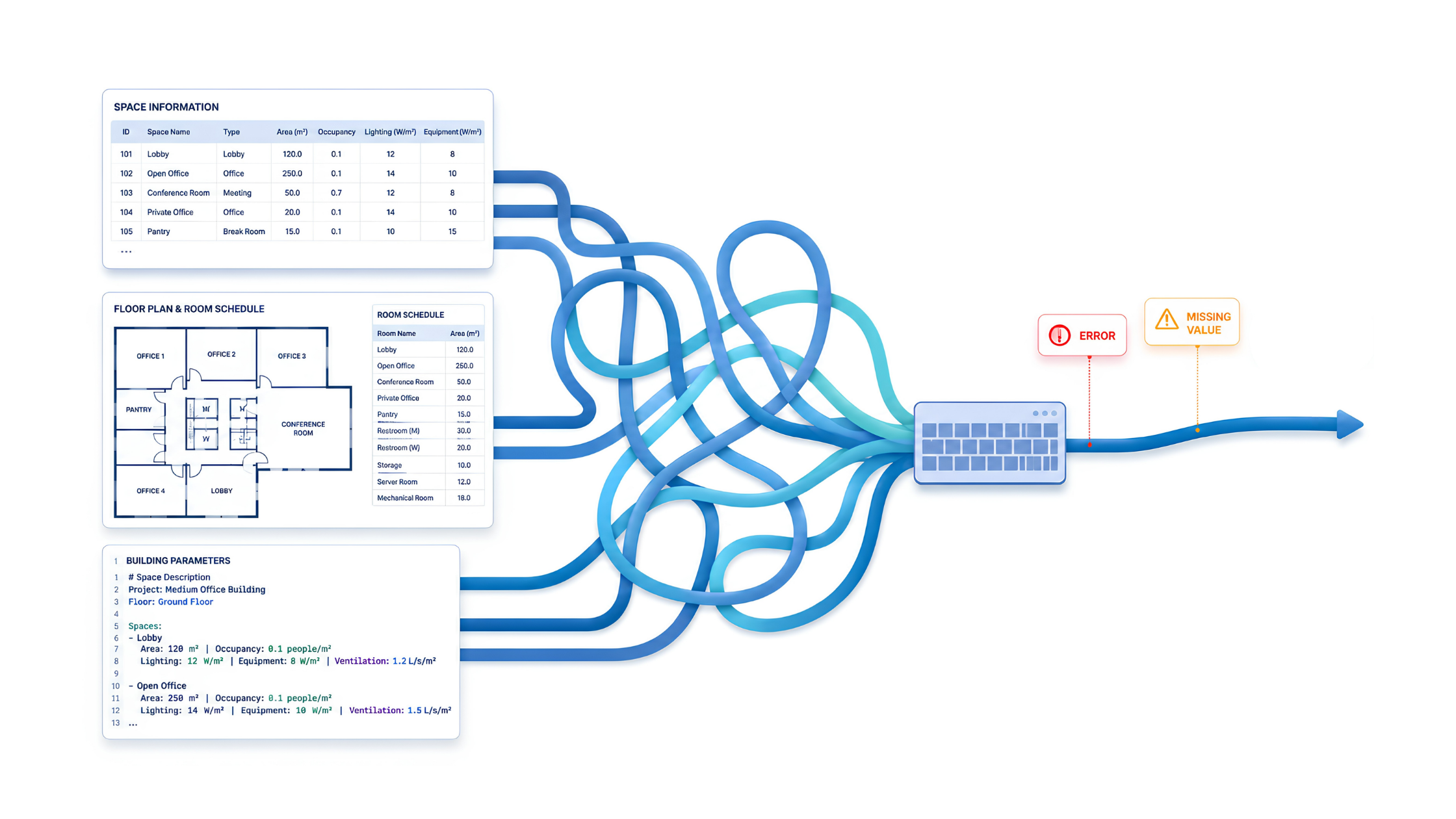
And the work is fragile. Re-keying invites typos and misread cells, and one wrong number quietly propagates through the whole model. The source material doesn't help some of it sits in a tidy Excel schedule, some in a flattened PDF table; some described only in prose. Worst of all, when a reviewer asks, “where did this number come from?”, you need a real answer for every field.
What the agent does, in one breath
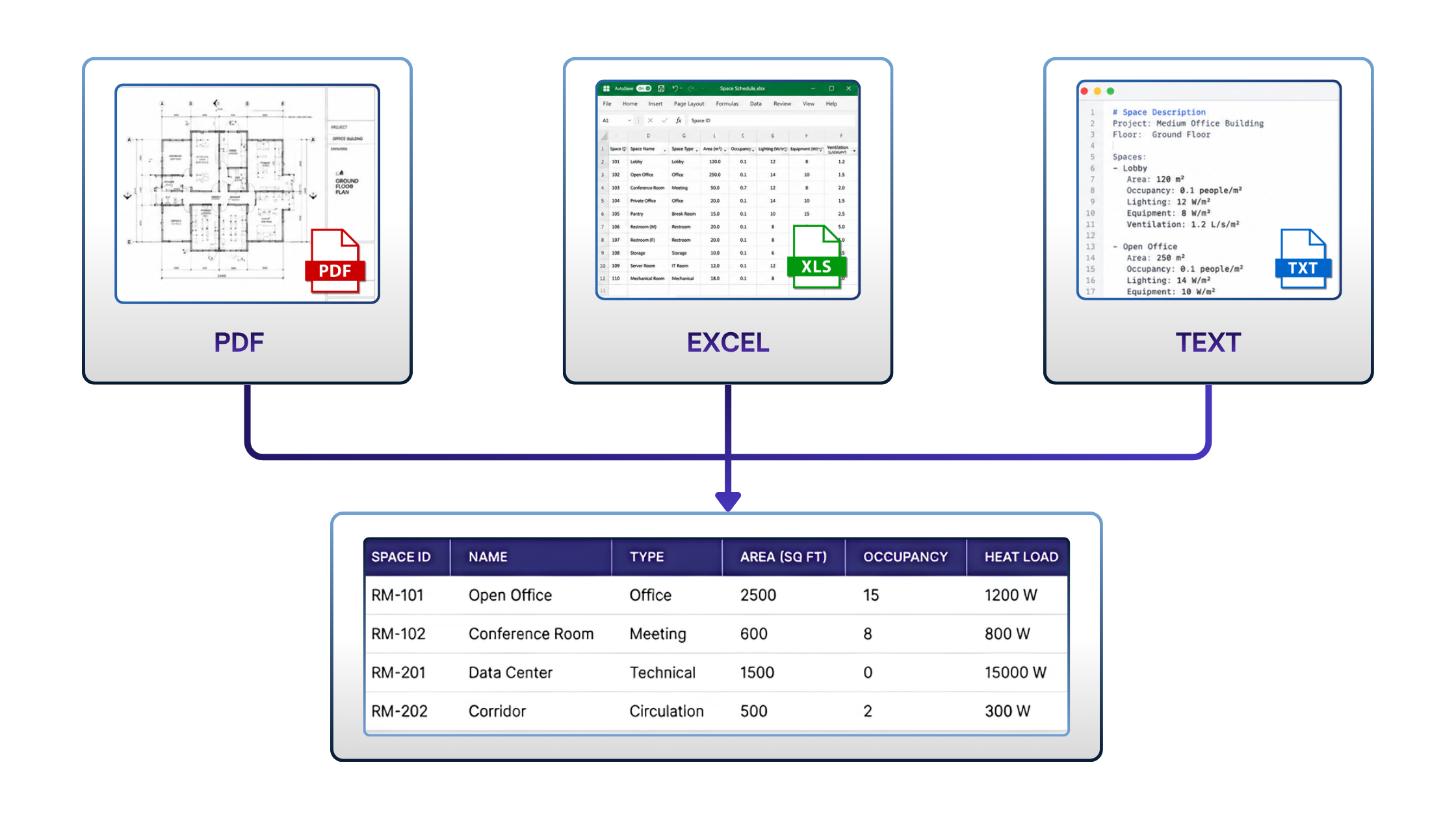
Hand it a design document (PDF), a spreadsheet (Excel), or a free-text description of your spaces — and it hands back a complete list of model-ready space types. Each one matches the Custom Space Type template, with every field populated and laid out in a clean, structured view for you to review and approve. Your job changes from building the library to reviewing it.
Three ways in, one clean output
You shouldn't have to reshape your project to fit the tool. So, the agent takes whatever you already have:
- A design document (PDF) — a room data sheet or space schedule, even a flattened, table-heavy export.
- A spreadsheet (Excel) — a space or load schedule in the workbook you were already working from.
- A free-text description — when all you have is a quick prompt describing the spaces.
Whichever you start from, the output is the same shape: a consistent, model-ready library you can drop into your project.
Extract first, then default - and never lie about which is which.
This is the principle that makes the whole thing trustworthy. The agent records only what the document actually states as it comes from the file. Everything the document doesn't state gets filled with a sensible, standards-informed default. The two are never confused, never blended, never presented as if they were the same kind of value.
That distinction matters because it's exactly the question a reviewer will ask. A number read off your design document and a default the agent supplied because the document was silent are different things, so the agent treats them differently from the start — defaulting only where the source genuinely doesn't say and never overwriting a value you provided.
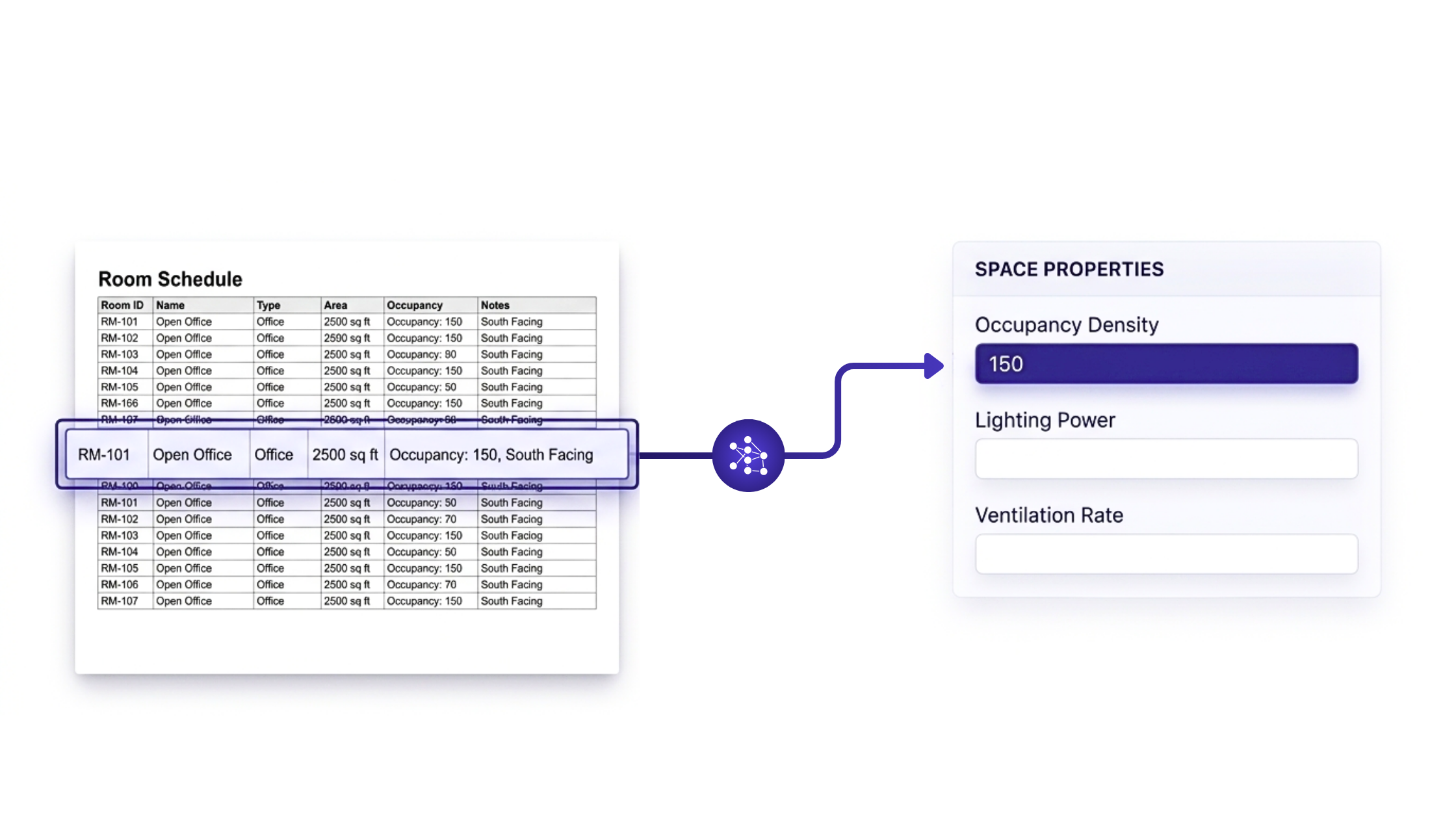
Standards-informed defaults, not random guesses
When the agent fills a gap, it doesn't pull a number out of nowhere. Its defaults are informed by common standards practice — the kind of occupancy, lighting, equipment, and ventilation values an experienced modeler would reach for when a design document is silent — so you get a sensible starting point rather than an arbitrary one. What it doesn't do is claim to be a code-compliance lookup: it doesn't pin a specific standard edition, and it won't guarantee that a defaulted value matches the exact figure in the applicable code. Treat the defaults as a reasonable first pass to confirm your project's standards during review, not as a final compliance check.
You stay in control
Nothing the agent produces goes straight into your model. The extracted library is presented back to you in a clean, structured view — every space type and its parameters laid out together — so you can read through the results, adjust anything that needs it, and approve the set before it becomes part of your project. You remain the final decision-maker on what gets used.
And the agent is built to respect your engineering, rather than second-guess it:
- It doesn't overwrite your input. Where your document specifies a value — even one above a typical code limit — that value is carried through as provided, never silently replaced by a default.
- It doesn't guess at ambiguity. A bare “Room” with no clear function is left for you to classify during review, instead of being quietly assigned a space type that may be wrong
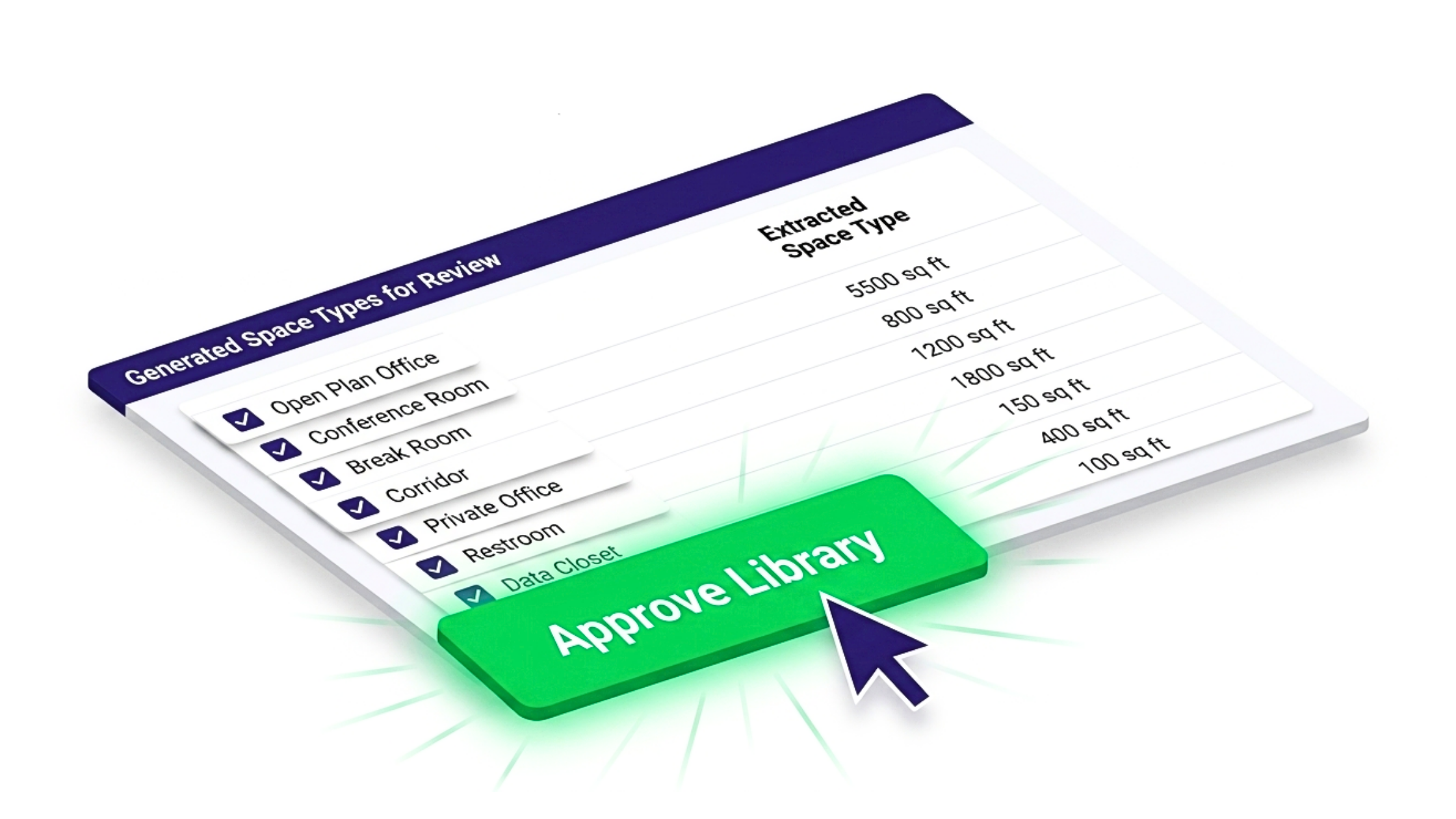
Built for real buildings
None of these matters if it only works on toy projects. The agent is designed to handle large libraries — up to around 500 space types — in a single run, which is the scale where hand transcription hurts most and where a structured, ready-to-review draft saves the most time.
Where it lives in BuildingsAI
The Custom Space Type Extraction agent runs inside your BuildingsAI workspace alongside the rest of your modelling workflow. You point it at a file or paste in a description, review the structured library it generates, approve it, and carry the result straight into your project.
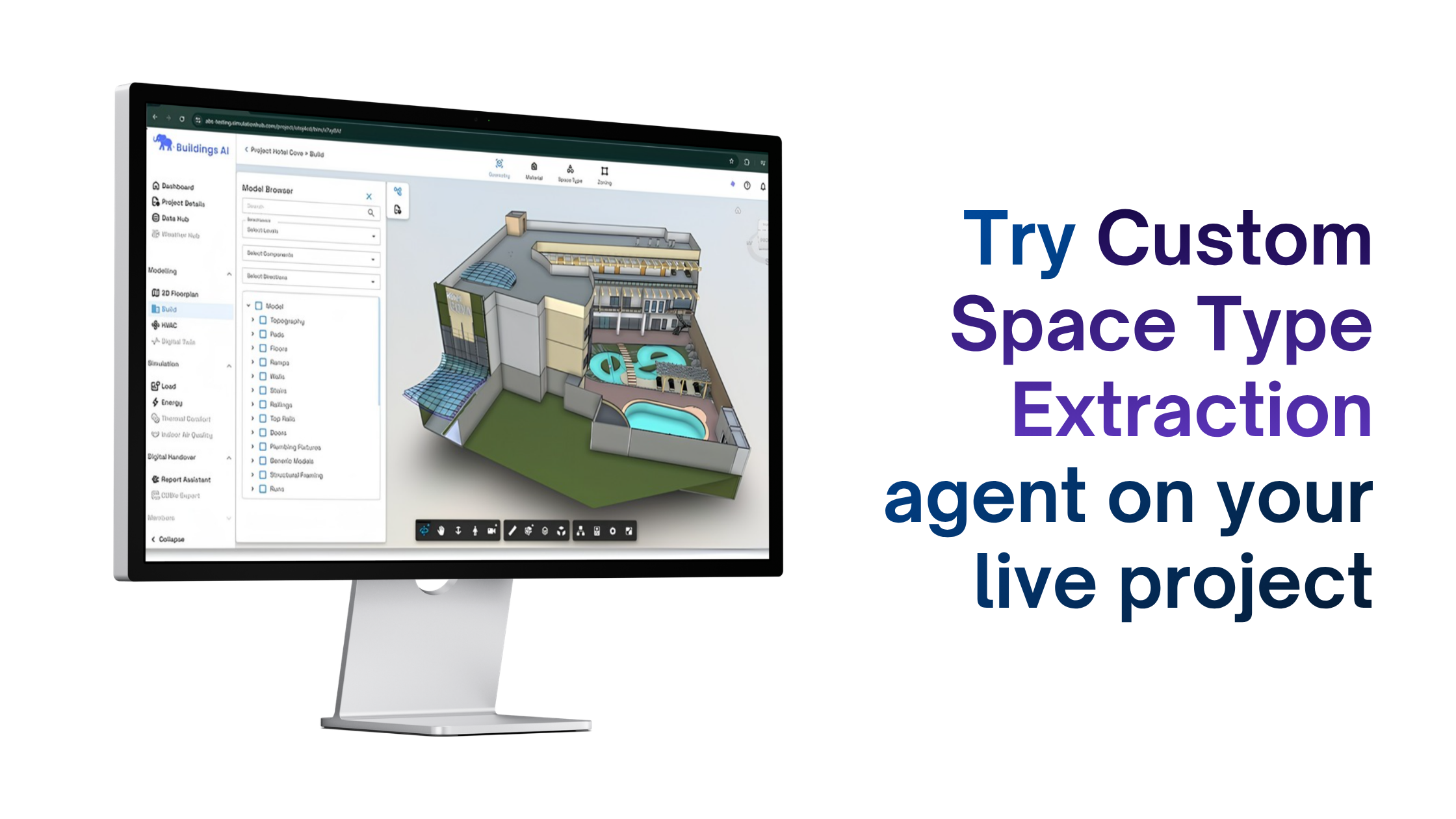
Try it on a live project
The fastest way to see the difference is to run it against a building you're already modeling. Bring a design document, a spreadsheet, or just a description of your spaces, and let the agent build the first draft of the library — then spend your time where it belongs, on the calls only an engineer can make. Request access or open the docs to get started in BuildingsAI.
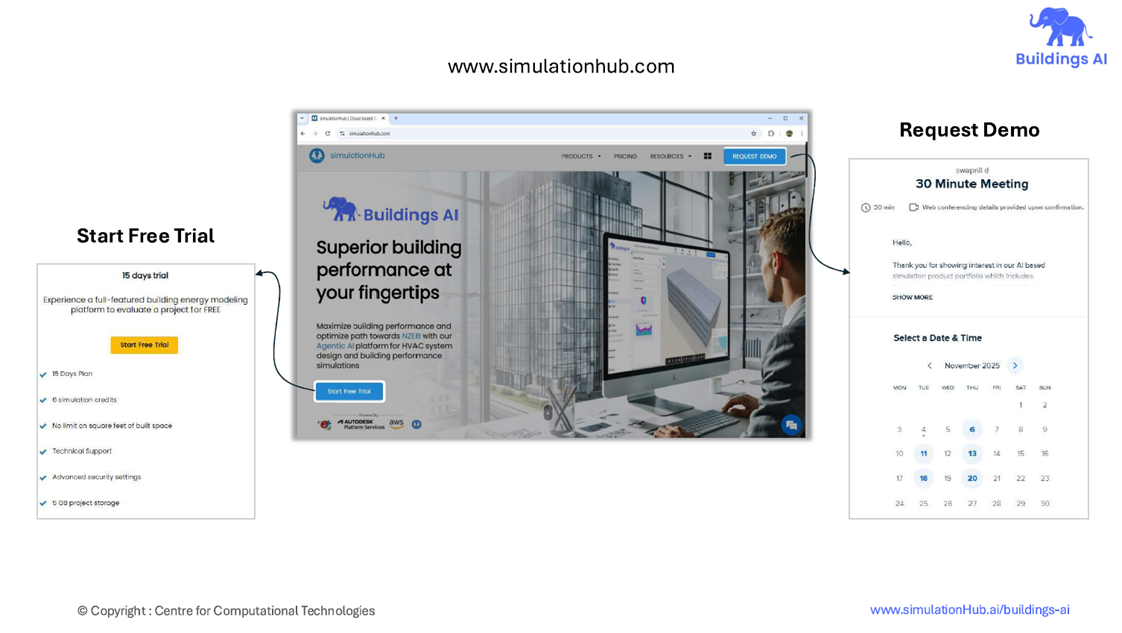
Take the Next Step: Start Your Free Trial or Book a Demo
Comments
Recent posts