Written by Praveen Kumar
Tuesday, December 16, 2025
Beyond Manual Redrawing: A Smarter Way to Convert Floorplan PDFs with Buildings AI
By
Praveen Kumar
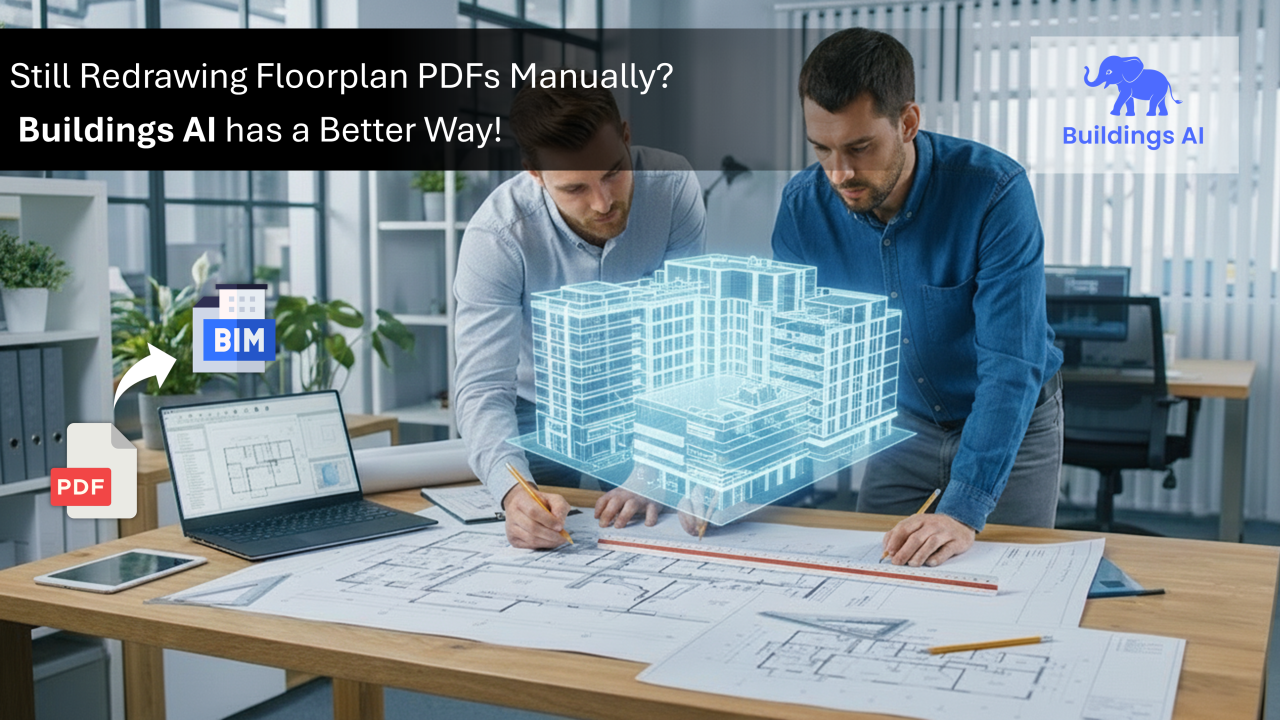

For years, engineers have spent up to 60% of their project time manually recreating geometry from 2D PDF floor plans - tracing walls, redrawing rooms, fixing gaps, and reconstructing information that already exists in the architectural drawings. It is slow, repetitive, error-prone, and sets the entire workflow back before the simulation even begins.
This blog explores how Buildings AI’s PDF2BIM tool eliminates this broken starting point. You’ll discover why the manual trace-over method is inefficient, how automated PDF2BIM conversion works, and the measurable performance gains firms can achieve by adopting this workflow.
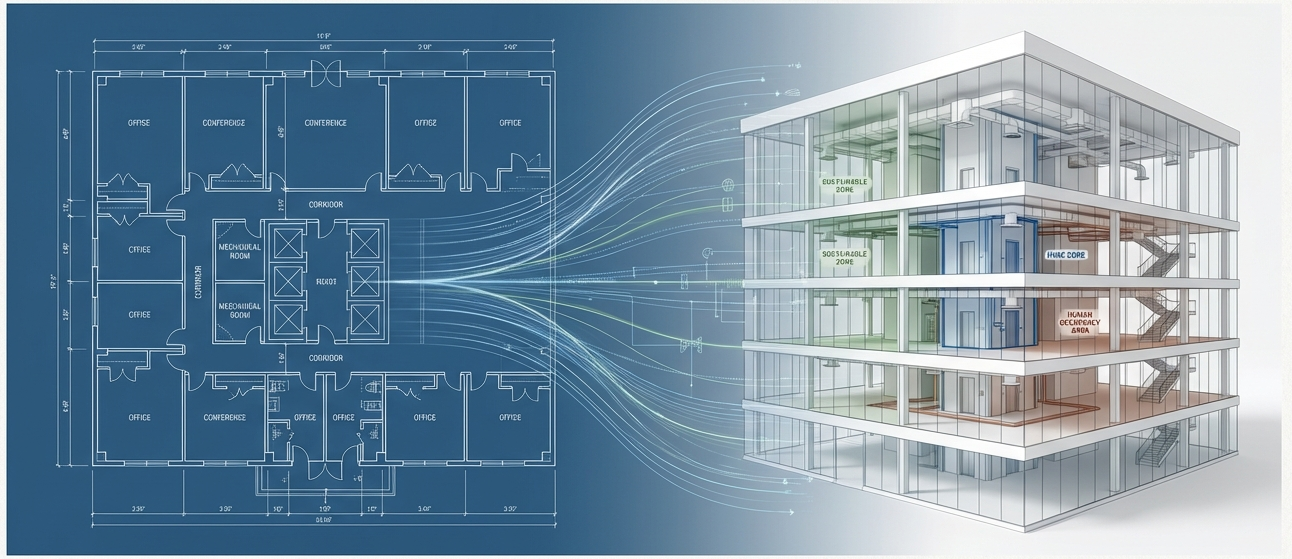
The hidden bottleneck that slows HVAC load Calculation & Energy modeling
Every project loses the most time in the first step: converting PDFs into usable models. Most building performance workflows still begin with 2D PDF floor plans, even though HVAC load calculations and energy modeling require a clean, accurate 3D BIM model. This mismatch creates the first-and often biggest-bottleneck in the entire simulation process.
.png)
Instead of using the design information already present in the architect drawings, engineers have to manually trace walls, redraw rooms, fix missing boundaries, and rebuild the entire geometry from scratch. This slow, repetitive workflow consumes valuable engineering hours long before meaningful analysis can even start.
In many firms, this manual recreation consumes up to 60% of the total project time, delaying simulations, increasing the risk of modeling errors, and reducing the team’s capacity to explore design alternatives. It’s a workflow built for the past—one that slows every downstream step and limits productivity across the entire project.
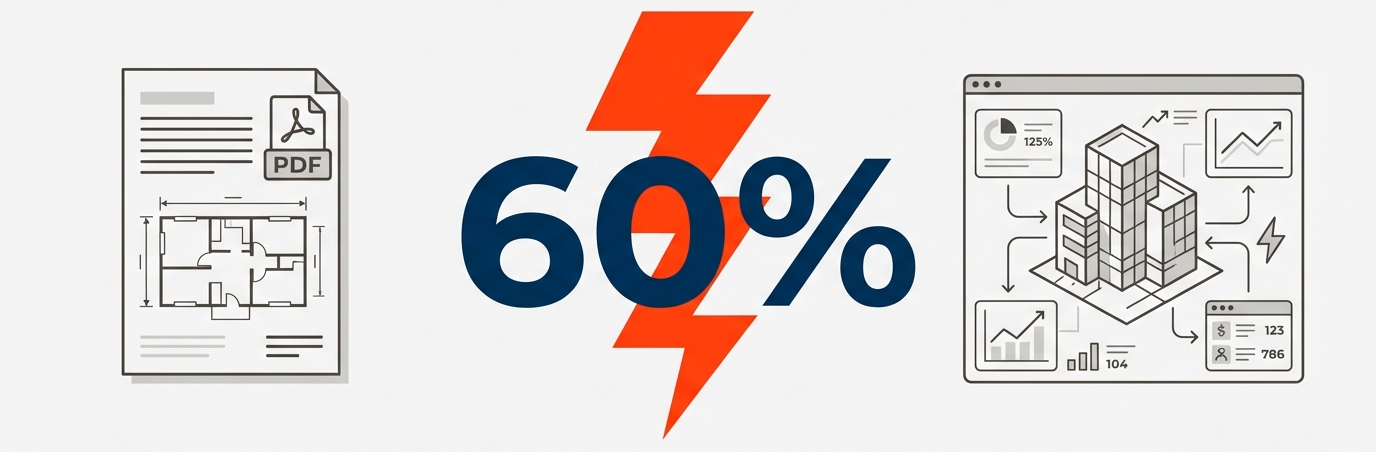
This is the broken starting point that Buildings AI’s PDF2BIM is designed to fix. Instead of spending days tracing PDFs, engineers can upload the drawing and let PDF2BIM automatically detect walls, doors, windows, openings, and room boundaries. The geometry is generated cleanly and consistently in minutes—removing manual redrafting and eliminating the errors that come with it. With PDF2BIM creating the foundational model automatically, teams start directly with clean, simulation-ready geometry, moving projects forward faster and with far greater accuracy.
You upload the PDF. Buildings AI does the rest!
Buildings AI turns a floorplan PDF into a simulation-ready model with ease. The platform interprets the layout, identifies key architectural elements, and organizes them into a clean spatial structure—removing ambiguity and eliminating corrective drafting. With guided visual checks for any unclear segments, teams can move straight into zoning, load setup, and analysis with confidence and clarity.

1. Upload PDF: Start by uploading a PDF or image of the floor plan.
2. AI Detects the Layout: A quick contrast adjustment ensures the linework is clear and the architectural boundaries are sharply recognized by the AI. Provide one known dimension to establish the correct scale. The AI then analyses the drawing, automatically detecting walls, windows, and doors, and highlights each element with intuitive color-coding for easy verification.
3. Generate a 3D BIM Model: With a single click, the reviewed layout is extruded into a clean, simulation-ready 3D BIM model—compatible with Energy Plus, Open Studio, and other industry-standard workflows.
Watch the workflow demonstration video for more understanding
Quantifiable Impact with Buildings AI: Faster Models, Better Accuracy, Every Time!
To measure the practical impact of Buildings AI’s PDF2BIM workflow, our team benchmarked it against a real project-a 6-floor, L-shaped corporate office building with detailed architectural PDFs. The floorplans included varied spaces such as office suites, meeting rooms, corridors, restrooms, and utility areas, reflecting the actual complexities engineers encounter during early-stage HVAC load and energy modeling. Each level spans roughly 112' × 75' (≈ 8,600 sq. ft), resulting in a total building area exceeding 50,000 sq ft. With mixed linework clarity, multi-segment partitions, and varied room labels, the project offered a realistic test of how automation compares to manual geometry preparation.
When we ran the full workflow through Buildings AI, the contrast with the traditional approach became clear. What typically required more than 45 hours—manual PDF interpretation, geometry recreation, configuration, and early simulations—was completed in just 16 hours using PDF2BIM. Automated extraction removed days of tracing work, guided setup tools reduced configuration effort, and cloud-based simulation drastically accelerated analysis.
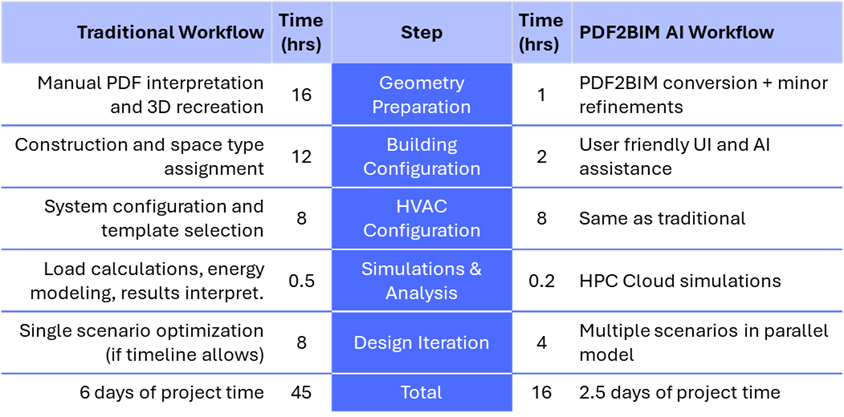
The efficiency gains are reflected in the metrics shown above. Geometry creation time dropped by nearly 90 percent, and model consistency increased dramatically. With earlier access to a simulation-ready model, design iterations accelerated, enabling teams to explore options up to ten times faster than before.
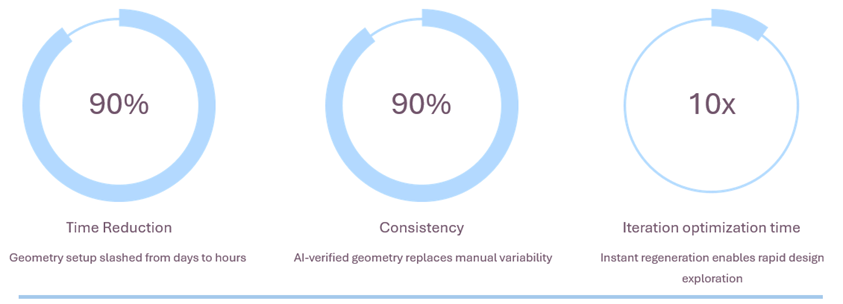
Although every building varies in size and complexity, this study demonstrates the scale of improvement achievable when shifting from manual drafting to an AI-assisted workflow. By accelerating the project start, improving accuracy, and enabling rapid design exploration, Buildings AI empowers engineering teams to deliver cleaner models, faster decisions, and significantly higher productivity within the same schedule—all without increasing team size.
Take the Next Step: Start Your Free Trial or Book a Demo
PDF2BIM is more than a feature—it’s a faster, smarter starting point for every energy modeling project. By automating the slowest step in the workflow, Buildings AI gives engineers clean, simulation-ready geometry in minutes, unlocking earlier analysis, quicker iterations, and better-performing designs.
If you’re ready to eliminate manual tracing and move straight from PDF to BIM with confidence, now is the time to try Buildings AI. Join the growing community of architects, HVAC engineers, and energy consultants who are transforming their workflows with AI-powered geometry creation.
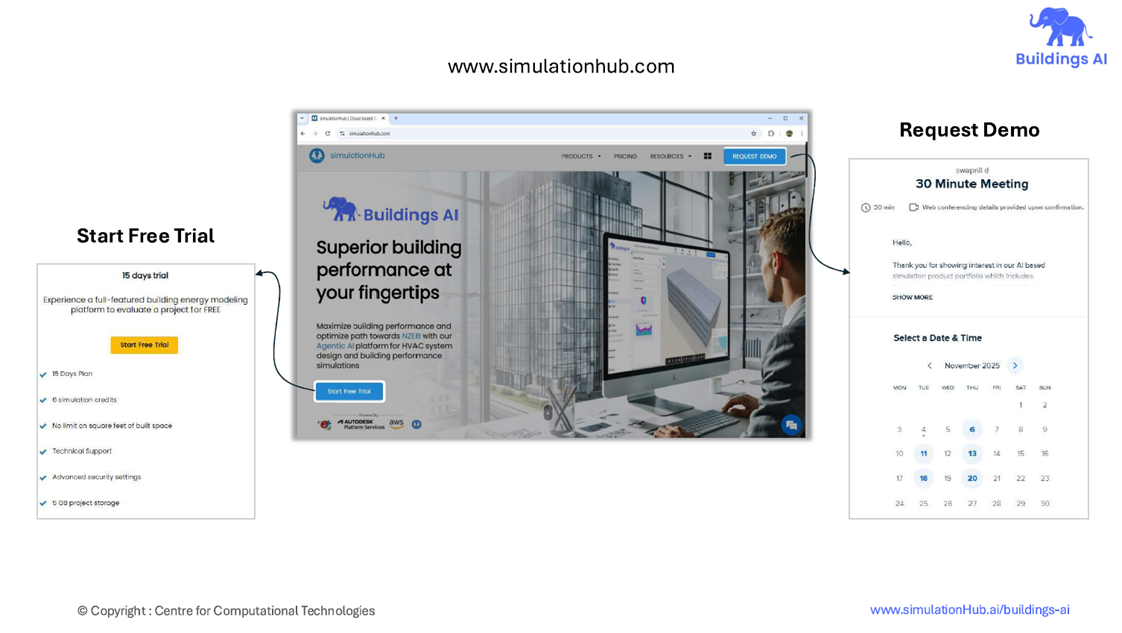
Start Trial :
Click Here
Schedule a Demo call :
Click Here
Know More :
Click Here
Comments
Recent posts
Message
Dummy Name
Subscribe Newsletter
Register for Webinar
Sign up for AHC
App Dashboard
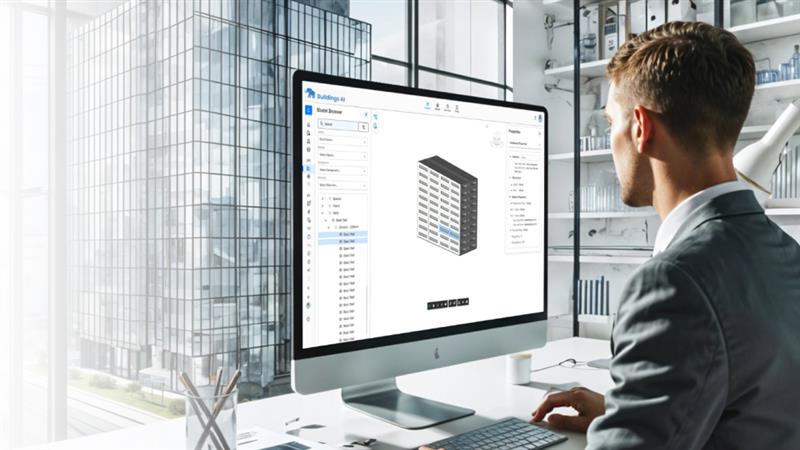
Buildings AI
Maximize building performance and path towards NZEB with our cloud-based, AI powered whole building performance modeling software.

Autonomous Valve CFD
Get CV, KV performance curves within minutes for your valve design. An automated CFD simulation based app for control valve designers.

Autonomous HVAC CFD
Leverage the power of autonomous HVAC CFD to design an efficient HVAC system for achieving indoor air quality and occupant thermal comfort.