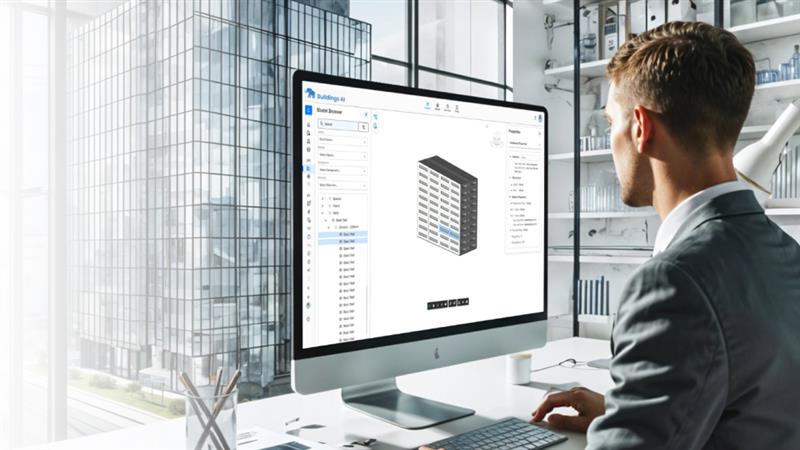
PDF2BIM
Convert 2D PDF layouts directly into 3D BIM models using agentic AI algorithms, making them ready for energy modeling.
What’s new
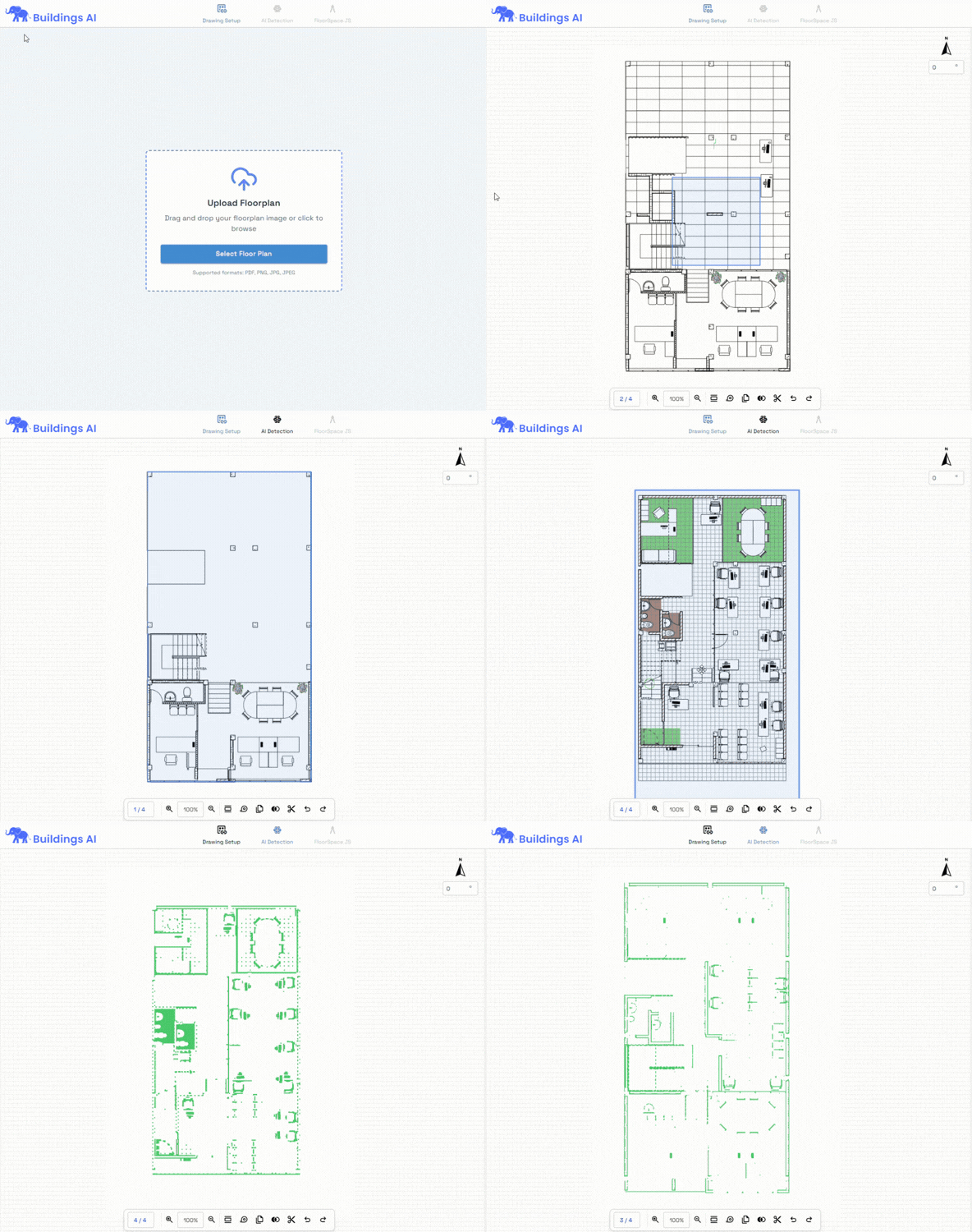
Introducing PDF2BIM, a powerful module that converts 2D architectural PDF layouts into 3D BIM models, ready for Space definition, Material assignment, and Energy simulation setup
Why This Matters
Most legacy projects start with layouts in PDF format. Redrawing them manually results in time wastage.
What benefit does the user get?
Massive time savings in model setup - up to 70%.
Avoids manual work and errors involved in retracing layout which is the current accepted workflow
Faster retrofit and brownfield modelling
Enables energy simulation even without native BIM files
Revit Integration
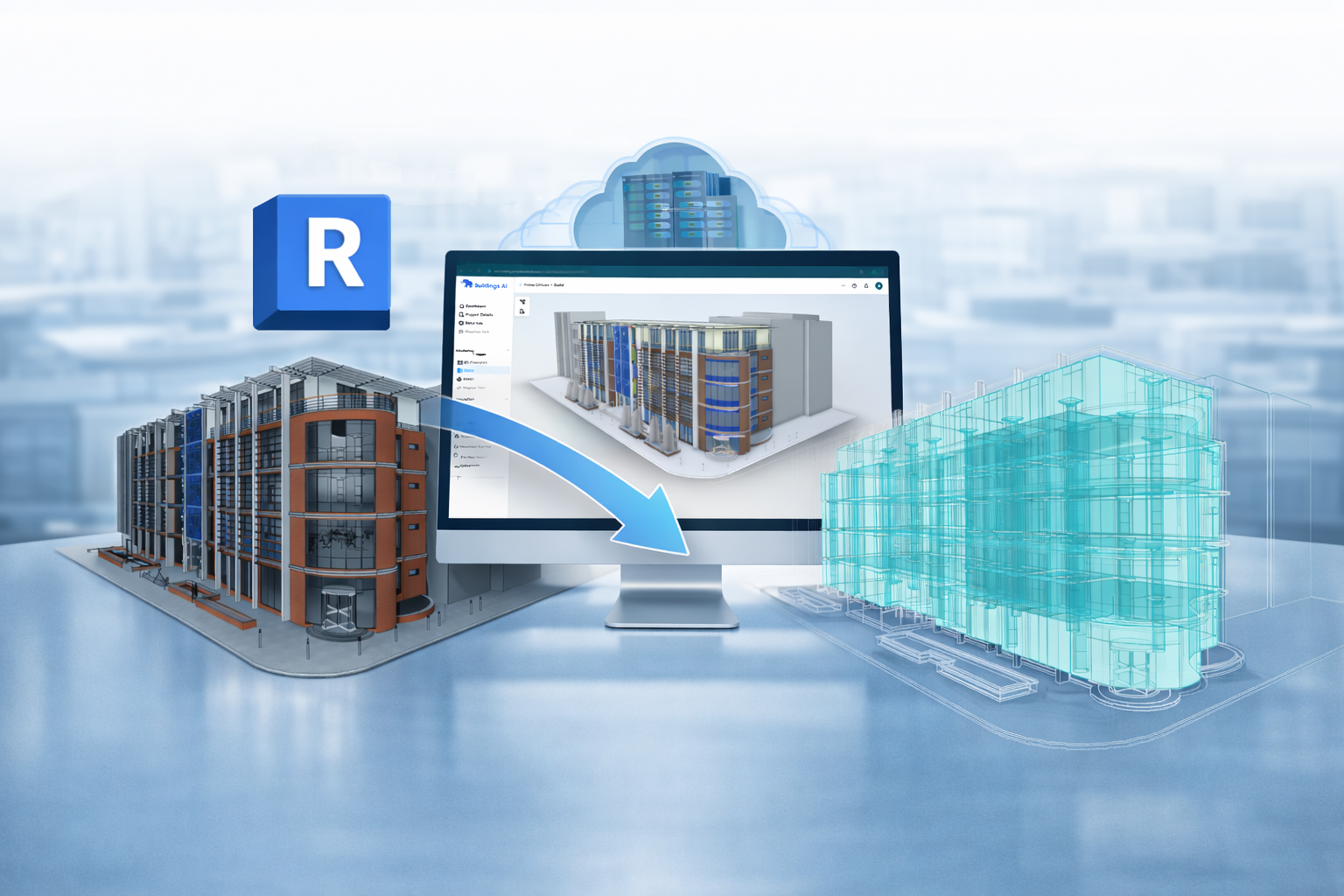
Revit Import and AI-assisted, semi-automatic model cleanup
What’s new
Buildings AI can now import Revit models and semi automatically clean and simplify them for building energy modeling.
Removing unnecessary geometry
Preparing zones and spaces
Making models simulation ready
Why This Matters
Design BIM ≠ Energy BIM. This feature bridges that gap
What benefit does the user get?
Less manual rework
Faster transition from design to simulation
More accurate energy models with lower effort
AI assisted BIM model corrections
Export to Autodesk Tandem (Beta)
What’s new
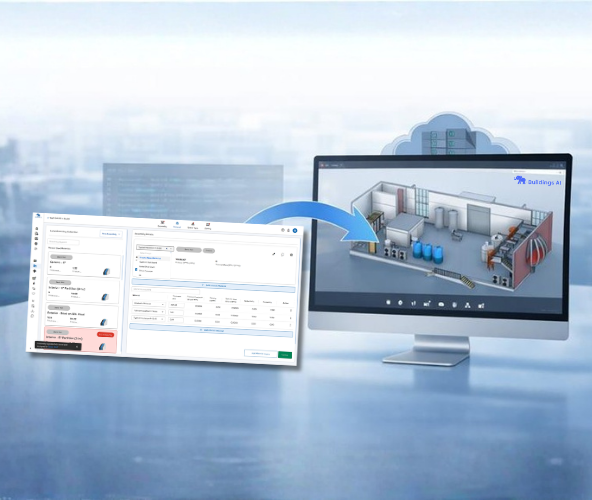
Buildings AI can now export simulation results to Autodesk Tandem, enabling the creation of a Digital Twin for your building project. This is available as a beta / experimental feature for early product enthusiasts or for enterprise level customization requirements
Why This Matters
Simulation data does not have to stop at design. It can extend into operations, enabling analysis-driven digital twin creation and preventive maintenance.
What benefit does the user get?
Unifies design, simulation, and operations within a single workflow.
Supports lifecycle energy insights
Foundation for smart, data-driven facilities
AI assisted BIM model corrections
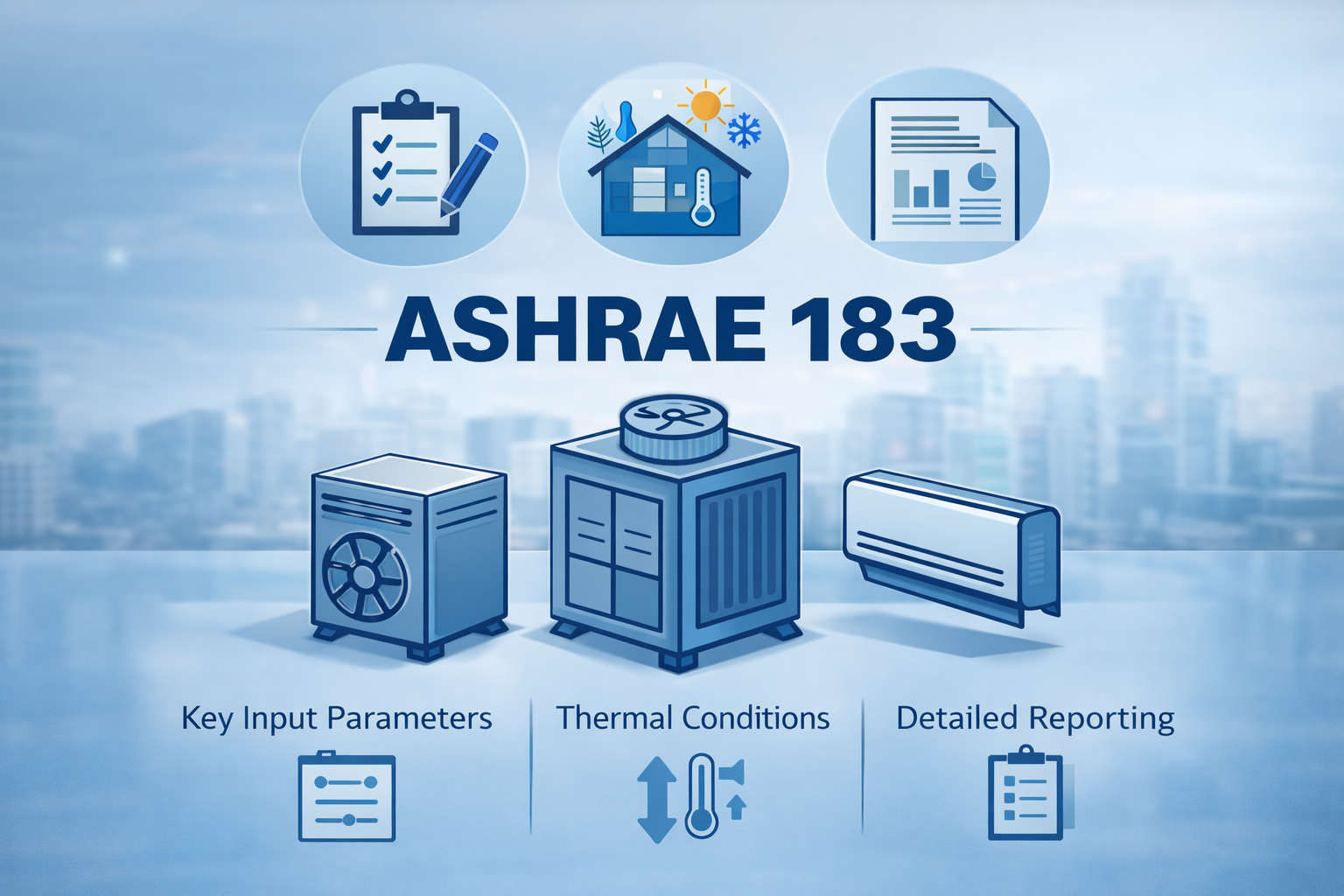
ASHRAE 183 compliance status
What’s new
Buildings AI is now ASHRAE 183 compliant
Why This Matters
• Sets clear expectations for compliance-driven projects
• Helps users decide where and how to use Buildings AI effectively
What benefit does the user get?
Transparency aligned with ASHRAE 183 documentation standards.
Better decision making for regulatory workflows
Instant Unit System Switching
What’s new
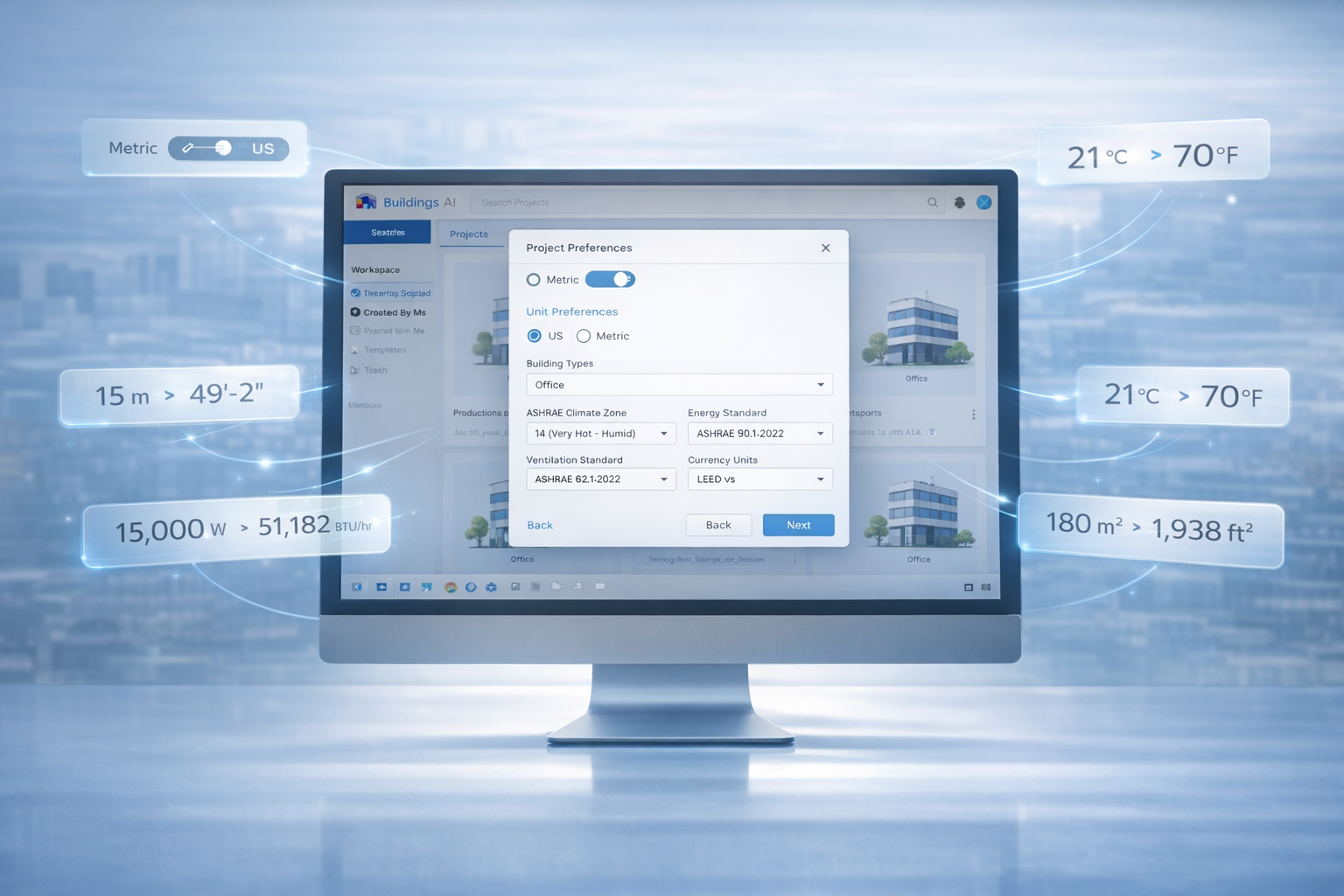
Buildings AI now supports instant unit system switching, including full SI units. Change the unit system once and all inputs, outputs, and results update automatically across the platform.
Why This Matters
• No manual conversions
• Smoother unit transition across modules and workflows.
• Ideal for global teams and multi-region projects
What benefit does the user get?
Faster setup
Fewer modeling mistakes
Consistent reporting for international standards
Developer Tools
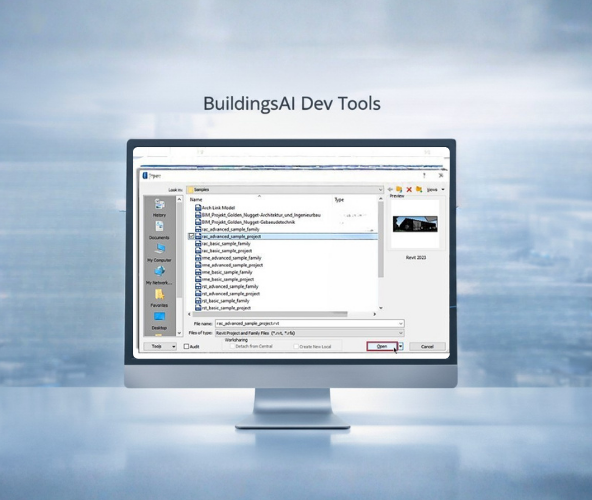
Buildings AI now offers Developer Tools, including:
API access
Custom workflow automation services
Integration with external platforms and pipelines
Why This Matters
You do not need to change your organization's processes within the Buildings AI workflow. Every organization works differently and now Buildings AI adapts to your processes
What benefit does the user get?
Automate repetitive modeling tasks
Integrate with internal tools and dashboards
Build custom applications on top of Buildings AI
Transform SIM data into digital twins with our cost-effective Buildings AI software solutions.